
Browser & Workflow Automation
A green run that moved nothing is still a failure
Broken automation hardly ever throws an error. The run finishes, the log says success, and nothing actually moved. We build the bits that make a workflow tell you the truth: a key on every write so it can't run twice, a table of failures you can actually read, retries that know when to give up, and an alarm for the run that did suspiciously little.
- hookpayload received
- okmapped 14 fields
- mapcompany_name → undefined
- okCRM accepted write
- exit 0execution succeeded
The field was renamed upstream. The mapping resolved to undefined, the CRM field was nullable, so the write went through. Six weeks later somebody asks why half the enquiries have no source.
The bug that takes six weeks to spot
What the log said
Workflow finished. 14 fields mapped. One record written to the CRM. No node errors. No retries.
Green in the run history, until the platform cleared it on schedule.
What the CRM actually holds
A contact with an empty company name, because the field got renamed upstream and the mapping quietly returned nothing.
Repeated across six weeks of enquiries before anyone questioned where the leads were coming from.
An automation that fails loudly is a good day. Someone gets paged, the data is still sitting safely in a queue, and the fix costs you an afternoon.
The expensive kind is quieter. Someone upstream renames a field. The mapping step returns nothing instead of complaining. The CRM accepts it anyway, because almost every CRM field is happy to be left blank. The run goes green. Six weeks later someone in sales asks why half the enquiries have no source on them, and the proof sits in a log the platform deleted a fortnight ago.
Nobody buys automation for that. They buy it because someone is copying rows between two systems for two hours every morning. Moving rows is easy. Any decent developer will do it in a day with any tool on this page. Making that movement survive a renamed field, a rate limit, a duplicate webhook and a Monday backlog is a different job. And mostly it has nothing to do with the automation tool. It's about where the state lives and what happens the second time it runs.
The question is never did it run. It's what did it write, and what happens if it runs again.
- WebhookProvider retries on any non-2xx
- MapRenamed field resolves to undefined
- WriteCRM field is nullable, so it accepts
- ReportRun is green, log pruned in a fortnight
How you know a workflow has outgrown the drag-and-drop layer
It's rarely speed. It's that the canvas grew an arrow looping back on itself, and nobody can tell you what the state is halfway through.
Three layers, split by what each is good at
Drag-and-drop tools are good at plumbing and bad at maths. Python is the opposite. Postgres will outlive both of them.
Layer 1 · Routing
Webhooks coming in, passwords stored safely, logins refreshed, branches, and all the JSON reshuffling nobody wants sitting in a repo. This is the layer your ops lead can read without opening a terminal.
Layer 2 · Compute
Anything with a loop in it. Reading PDFs, matching names that don't quite match, driving a browser, or holding more than a few thousand records in memory. One endpoint, nothing shared.
Layer 3 · State
Every workflow gets its own table: what it saw, what it wrote, what it refused. The CRM is the record for people. Postgres is the one you query at 9am when someone says the numbers look wrong.
Why the queue is the whole design
Run n8n the default way and your workflows execute inside the same process that serves the editor. Restart the container to deploy, and every job still in flight dies with it. No record it was ever accepted, because accepting and running were the same moment.
Queue mode splits them apart. One process writes the payload down and replies 200. Workers pick it up and do the work. A worker dying halfway becomes a retry instead of a lost record, and deploying becomes boring. Boring is the goal.
Make and Zapier do this for you and charge for it. Fair trade, right up until your volume or your data rules make it not.
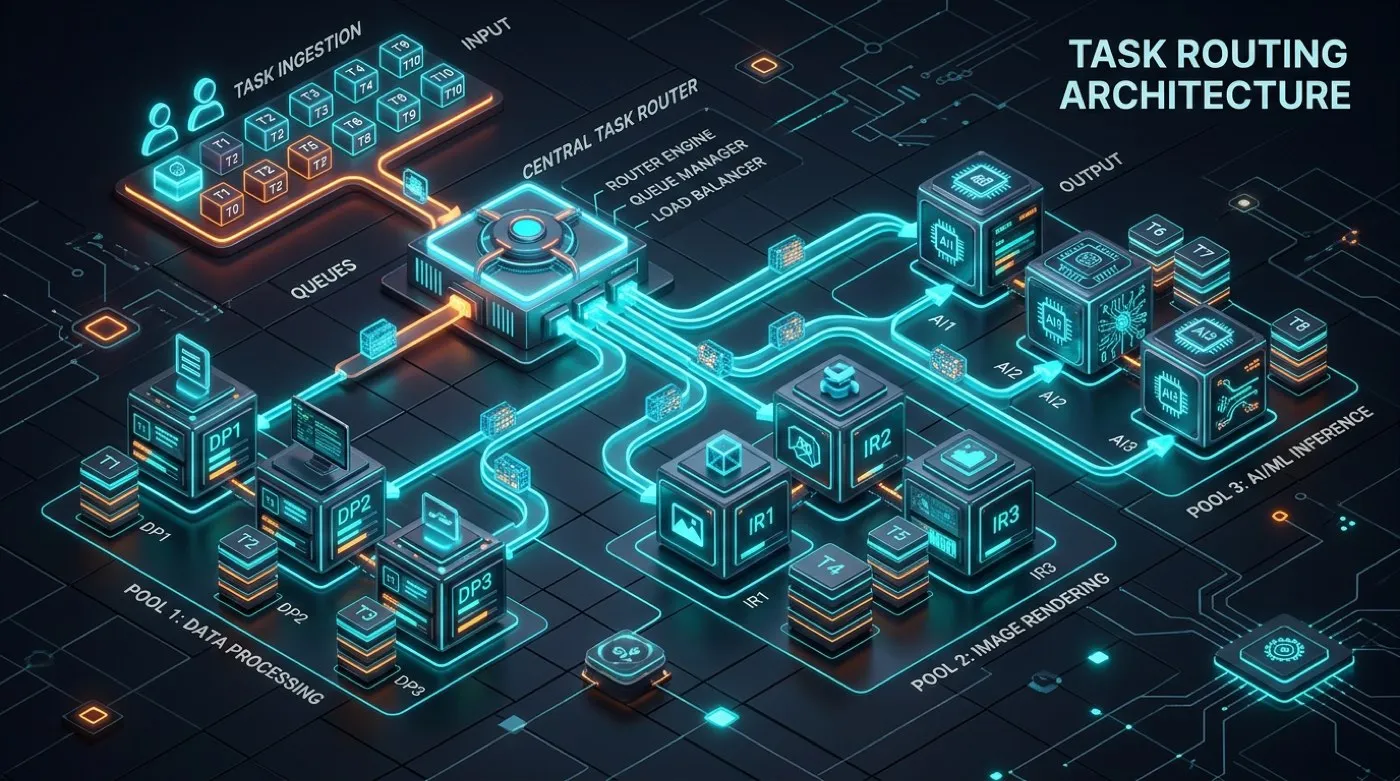
-- the table every workflow gets
create table run_failures (
  id        bigserial primary key,
  workflow  text not null,
  idem_key  text not null,
  payload   jsonb not null,
  err       text,
  attempts  int default 0,
  next_try  timestamptz,
  resolved  timestamptz
);

-- one open failure per key, enforced by
-- the database, not by a node on a canvas
create unique index on run_failures
  (workflow, idem_key) where resolved is null;
Deciding what counts as the same person
A CRM is a poor judge of this. Email addresses change. People turn up twice, once with a work address and once personal. And two humans typing the same company name will spell it differently. Deciding what makes two records the same record is a business call, and we settle it in writing before anything gets built.
Then it becomes a rule the database enforces, instead of a branch on a canvas
somebody can move. Phone numbers get tidied into one format first, because
+91 98765 43210 and 09876543210 are the same person and no
text comparison will ever agree.
- Write against that key in one step. Never search first, then create.
- Every write notes where it came from, which run, and when.
- Failed records go to one side with the reason attached.
- Those records run again later through the same code.
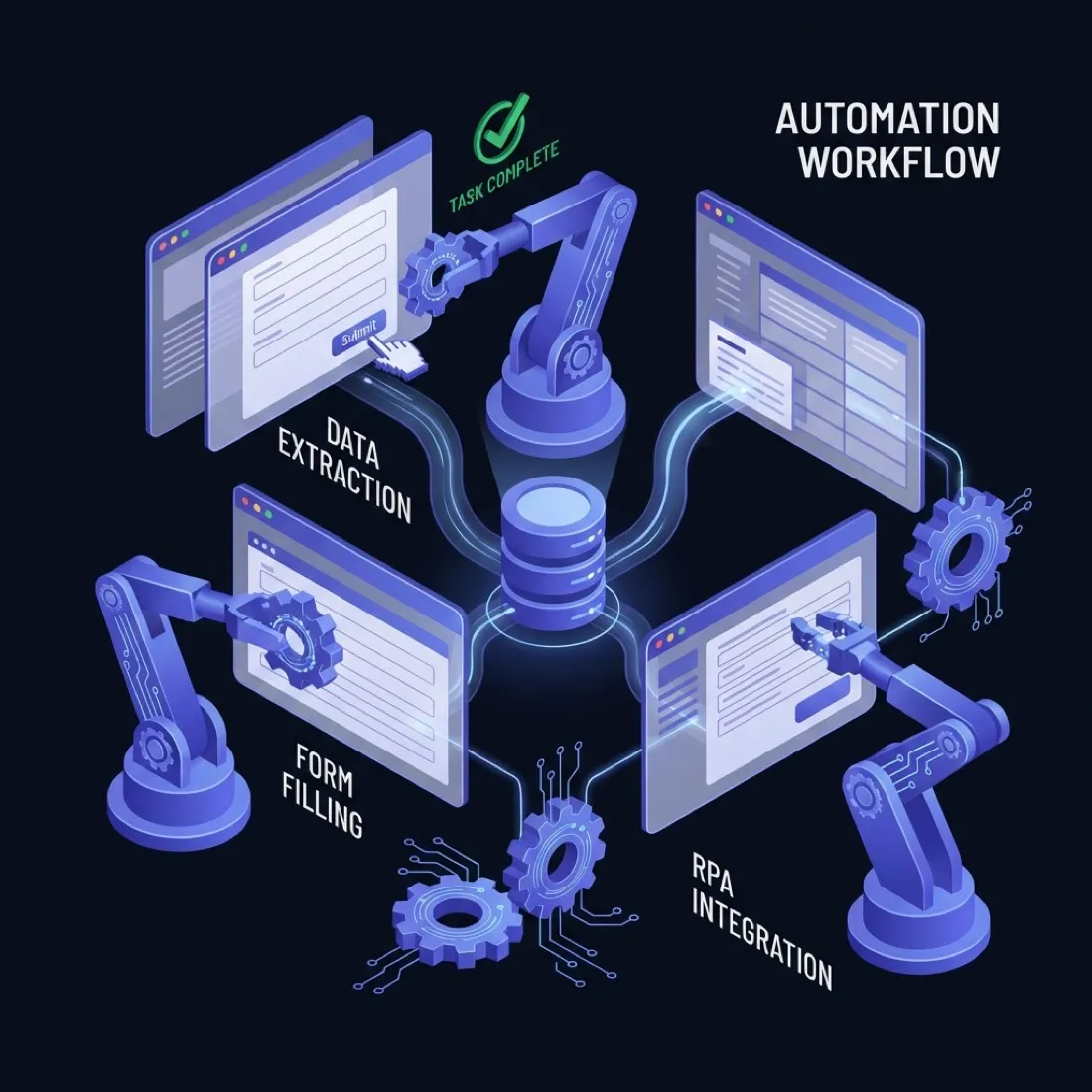
Driving the systems that never got an API
Plenty of systems your business leans on have no proper way in. A government portal that spits out a PDF and nothing else. A supplier site built in 2011. A logistics dashboard where the only export is a button. For those, we drive a real Chrome using Playwright, inside a container, on a schedule.
The usual work: sign in and hold the session, walk through a paged table, fill in a form and submit it, download whatever document comes out and read it, then take a dated screenshot proving the step happened. We use Playwright over Selenium because it waits properly, and over a scraping library because these sites need a real page and a real click.
This is the least sturdy thing we build, and we say so before quoting. A redesign breaks it. What the structure buys you is that the break is loud.
- Browser version locked, so a Chrome update can't change how it behaves overnight.
- All the page rules live in one file, not scattered through the script.
- A screenshot and a copy of the page saved every time something fails.
- A run that produces no file counts as failed, even if the script says it worked.
Follow one record from webhook to CRM
Every step below is a real place records go missing. Read them in order, because the problems stack. A duplicate at step one becomes a duplicate contact at step six.
- The webhook arrives twice Providers promise to deliver at least once, and they retry on anything that isn't a 2xx. That includes the timeout your own workflow caused by doing work before replying. The fix is a key, not a lock. Hash the stable parts of the payload, or use the provider's event id, and make it the primary key of an inbox table. The second insert clashes and the run stops.
- The lookup passes and two writes race Search for the contact, branch on found, create if not. It's the most common shape in drag-and-drop automation and it's wrong the moment two things run at once. Both search, both find nothing, both create. Use the single create-or-update call the API already offers, and let the server settle it.
- The rate limiter replies 200 A 429 is a gift. It's unambiguous, it usually tells you how long to wait, and every decent library already handles it. The dangerous reply is a cheerful 200 carrying half a page, an empty list, or an HTML error page dressed as JSON. Check the shape, not the status code. A call that says 400 results and hands back 25 has failed.
- All the retries come back at once A provider has a bad ninety seconds. Two hundred queued jobs fail, all wait the same fixed delay, and all hit the recovering service together. Spacing the retries out costs four lines. The part people skip is the ceiling: after a set number of tries the job stops and lands in the failure table where a person can see it. Retrying forever is just a way of never finding out.
-
A field gets renamed and blanks go in
Someone upstream renames
company_nametoorganisation. The mapping returns nothing, the field allows blanks, the write succeeds. This one deserves the most care, because you won't notice for weeks. Check every record against a declared shape, then watch the blank rate on the columns that matter. - Everything works and nothing moved The login expired. The filter matched no rows. The export upstream was empty. Or the date range got worked out in the wrong timezone. Each one gives you a fast, clean, entirely green run. Record rows-written per run and raise an alarm on zero where yesterday wasn't. It's the highest-value alert in automation and it takes about an hour to build.
Alert on results, not on errors
Four numbers earn their keep. Rows written. Blank rate on a column you care about. Age of the oldest unfixed failure. And how long since each workflow last did something. An uptime percentage isn't one of them. The platform can be perfectly reachable while every run writes nothing.
Where the workflow should actually live
Four options, compared honestly. Two of them don't involve hiring us.
| Option | Good when | Breaks when | Who maintains it |
|---|---|---|---|
| cron plus a Python script | One source, one destination, and an engineer already on staff. | Integrations two and three arrive with no shared retry or credential story. | Your team. The cheapest option there is. |
| Zapier or Make | Low volume, standard SaaS endpoints, no appetite for infrastructure. | Volume pricing overtakes a server, or data cannot leave your region. | The vendor, until you need a behaviour they do not expose. |
| Self-hosted n8n, queue mode | Dozens of workflows, personal data in the payloads, execution history that matters. | Nobody owns upgrades, backups, or the Redis instance. | Us, or your platform team with a runbook. |
| Application code and a job queue | The logic is the product rather than the glue around it. | Non-engineers need to read or change the routing. | Your engineers, permanently. |
The advice we give away
If the answer is that first row, take it. A studio selling orchestration doesn't usually tell you that a cron entry and forty lines of Python will do the job. But often it will, and you'd only find that out eight months into a retainer. Call us when it's the number of integrations that hurts, not the difficulty of any single one.
Self-hosting is a liability unless someone owns it
Running n8n yourself is cheaper per job and keeps your data inside your network. It also needs updates, backups of the database behind it, and someone who notices the Redis container has been restarting in a loop since Thursday. If nobody's name is next to it, pay for the hosted version and move on.
How to judge anyone selling you this, us included
-
"Our workflows are self-healing." Ask what heals. Retrying a dropped connection is just a retry, and the platform already does that. A renamed field needs a person to rewrite it.
-
An uptime percentage with no definition of "up". Ask if they can tell you how many records got written yesterday without raising a support ticket.
-
No answer on where credentials live. Who can read them? Are they encrypted with a key you hold? What happens the day a contractor leaves? "They're in the platform" is not an answer, it's the question again.
-
Nobody asks about volume before quoting. Fifty records a day and fifty thousand are different systems that happen to share a diagram.
What the first two months look like
These timings assume you can produce logins and a decision-maker in the same week. That assumption is wrong more often than any technical estimate we make.
-
1
We map how the work actually happens
We sit with whoever does the job today and write down the exceptions, because the exceptions are the spec. You decide the rules for what counts as the same record.
-
2
One path, working, on live data
Not a prototype. The narrowest real path, moving live records. Everything after this is repeating a shape you've already seen and approved.
-
3
The rest of it
Remaining workflows, the services behind them, any backfill in scope, and the dashboard. We deploy through the week rather than in one big release, so a mistake affects less.
-
4
A written guide, and a practice run
Notes on how it's built, a list of every login, how to replay failures, who to call. Then we break something on purpose in a copy and your team fixes it while we watch. A guide nobody has followed is a document, not a skill.
-
5
A retainer, or nothing at all
A retainer buys monitoring, updates and repairs when something upstream changes. Plenty of clients don't need one. The handover above exists so that saying no is a real option.
A price band, published before you call
We don't charge per run. That would make us want your workflows firing more often than they should.
Build engagement
A scoped build, put together the way this page describes.
Depends how many systems it touches, and whether any need a real browser.
- n8n in queue mode, in your account
- Postgres keeps the state, failures can be replayed
- A written guide, plus a live practice run
Retainer
Watching it, updating it, and fixing things when something upstream shifts.
Per month. Depends on how many workflows, and how fast you need us to answer.
- We watch results, not uptime
- A response window in writing, business hours
- Infrastructure billed at cost, invoices attached
One workflow on its own sits below that band, and we'll usually tell you to just do it yourself.
Questions worth asking
Including the ones with answers we'd rather not give.
Can you just fix our existing Zapier setup?
Often, yes, and it's the cheaper job. Where the Zaps do sensible things and the problem is duplicates or silent failures, the fix is a dedupe table and a monitor.
Where we say no is a sprawling mess nobody has documented. Untangling that costs more than rebuilding the eight that matter, and we'll tell you which eight.
Will this break when our CRM updates its API?
Eventually, yes. Vendors retire old API versions on a published schedule, and anyone promising an integration that never needs touching is describing a wish.
What the design buys you is that the break is visible and contained. One write path, a failure table catching whatever falls over during the window, and a replay once it's fixed.
Our last vendor left us with nothing usable. How is this different?
Mostly by contract, not by virtue. Everything sits in your accounts from day one. Your n8n, your database, your registry, your cloud bill.
The part to check rather than trust is the practice run at handover. If a vendor can't let your team fix a failure without them in the room, the dependency is real whatever the contract says.
Can you automate something that needs a login and an OTP?
Technically yes, quite often. We'll still push back. An automation holding a login that can move money or file a return is a different risk to one that copies leads, and that OTP is usually there on purpose.
Where it can't be avoided: a limited service account, the password in a secret manager rather than in the workflow, and a hard stop that waits for a human before anything you can't undo.
Is this browser automation or workflow automation?
Both, and most jobs need some of each. Workflow automation is the routing. Webhooks in, mapping, retries, writes to a CRM. Browser automation is what we reach for when a system in that chain has no API, so the only way in is a real browser clicking through it.
If your problem is purely the second one, say so on the call. A single Playwright job on a schedule is a much smaller piece of work than the architecture above, and we'll scope it that way.
What if there's no API at all?
Plenty of systems a business depends on have no proper way in. A portal that issues a PDF. A supplier site from 2011. For those we drive a real browser with Playwright, in a container, on a schedule.
It's the least sturdy thing we build and we say so before quoting. A redesign breaks it. The protection is structure: lock the browser version, keep the page rules in one file, save a screenshot on every failure, and treat a run with no output as failed even when the script says fine.
How fast do you respond when something breaks?
On a retainer, within business hours, with the window written into the agreement rather than promised on a marketing page. We're a small studio. We don't staff an overnight rota and won't pretend otherwise.
If a workflow can't survive an overnight gap, queue the work so a delay stays a delay instead of becoming a loss, and route the alert to someone on your side.
What do you refuse to build?
Anything that sends messages in bulk to people who didn't ask. Anything that works around a control put there for compliance reasons. Anything whose value depends on your customers not knowing it runs.
And workflows where the spec changes every week. That isn't an automation problem yet, and building it early just means we bill you twice.
Start with the audit, not the build
Send us the workflows you already have. We'll tell you which ones are writing duplicates, which have been quietly moving nothing, and which you should leave exactly as they are.
Related: web scraping pipelines and internal tools